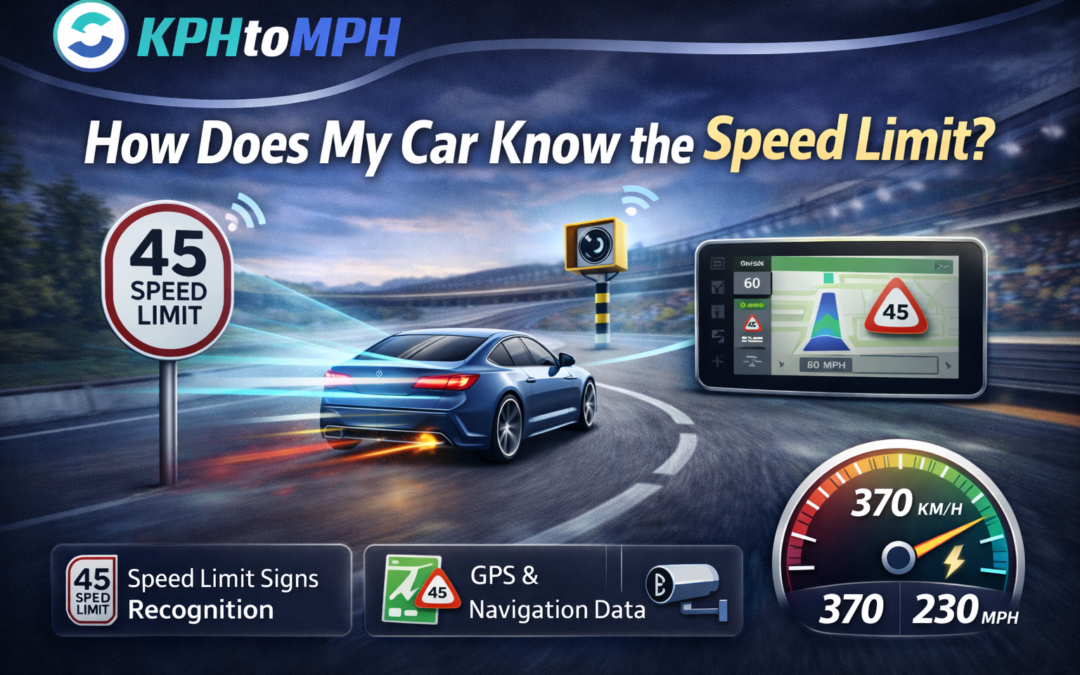
You see a speed limit pop up on your dashboard and wonder, how does my car know the speed limit? Your car usually combines camera-based traffic sign recognition with GPS and digital map data to estimate the current legal limit.
Once you understand how those systems decide, you can spot mistakes faster and rely on the display in a smarter way.
Speed limit information: what the feature really does
Speed Limit Information, sometimes labeled SLI, is designed to show you the posted limit where you are driving, usually in the gauge cluster, center screen, or head-up display. It does not “measure” the limit from your speedometer, because it needs external clues like signs or stored road rules. You get a quick visual reminder so you can match your speed to the law and the conditions.
SLI often works alongside other driver-assist features, which is why the limit can appear near lane-keeping, cruise control, or safety alerts. In practice, the system acts like a decision-making layer that says, “this is the best current guess,” not a legal guarantee. You still remain responsible for reading the road, especially when limits change quickly or signage is unclear.
Camera-based traffic sign recognition: how your car reads signs
Most modern cars place a forward-facing camera high on the windshield, near the rear-view mirror, because that angle sees signs early and reduces glare. The software first detects sign candidates by looking for typical shapes and colors, then it classifies them as speed signs, warning signs, or other regulatory signs. After that, it reads the number and converts it into a speed limit value for the display.
What the camera looks for
The system uses visual cues to narrow the search, then confirms the sign by matching it to known patterns. It may track the sign across multiple frames to avoid reacting to a single blurry image. If you drive in rain, fog, or strong shadows, you may notice the limit appears later because the camera needs more confidence to commit.
Map and GPS speed limit data: the second source of truth
Your car can also pull a speed limit from navigation maps that store rules by road segment, which helps when signs are missing or blocked. GPS places you on a specific road, the map assigns a limit to that segment, and the car shows it as the current limit. This approach works well on long highways, interstates, and major roads where map providers keep strong coverage.
Map-based limits can lag behind real-world changes, especially after construction projects, local ordinance updates, or recent re-striping. You might see a limit stay “stuck” until the map updates, even if a new sign is posted. That is why many systems blend map data with camera reads, because each source covers the other’s weaknesses.
Sensor fusion: how the system decides which limit to show
When your car has both camera and map inputs, the software typically fuses them into one best estimate instead of picking at random. It may prioritize a freshly read sign, then fall back to the map if the camera cannot find a sign for a while. If the two sources disagree, the system may choose the more reliable one for that road type, or it may show the last confirmed sign while it seeks more evidence.
You can think of fusion as a confidence score that rises when sources agree and drops when they conflict. When confidence drops, some vehicles reduce alerts, remove the speed limit icon, or show a warning that the limit is uncertain. This is also why the display might flicker between two values near ramps, frontage roads, or complex interchanges where GPS matching gets tricky.
Why the speed limit display sometimes gets it wrong
Even good cameras miss signs when something blocks the view, such as a truck, tree cover, dirty glass, or heavy snow stuck to the sign face. The system can also misread temporary signs, interpret a nearby road’s sign, or confuse a “speed advisory” sign for a legal limit depending on design and training data. If you drive through areas with non-standard signage, you may see more errors because the model has fewer consistent patterns to learn from.
Map-based errors usually come from outdated data, incorrect road matching, or a limit that changes by time of day. School zones, variable speed limit highways, and construction zones are common failure points because the “right” number changes quickly. If you treat the dashboard limit as guidance and still scan the roadside, you will catch these edge cases before they become a ticket or a safety problem.
Temporary and variable limits: construction zones, school zones, and electronic signs
Construction zones often use portable signs, cones, and boards that shift frequently, so the map cannot keep up and the camera may see multiple conflicting signs. School zones can include time windows, flashing beacons, or conditional rules, which require more than reading a number to interpret correctly. Electronic signs can change based on traffic or weather, so the camera must read the sign at the right moment and the system must confirm it is active.
Because these zones are high-risk, your best habit is to assume the system is least reliable exactly where you need it most. In 2023, speed-related crashes accounted for 11,775 deaths, which was about 29 percent of all U.S. motor vehicle fatalities, so a small speed error can carry large consequences. If your car shows a limit that feels wrong in a work zone or school zone, slow down and follow the posted signs and flow of controlled traffic.
MPH vs KPH: how your car handles units and regional rules
Your car’s display uses the unit setting in the cluster and the region settings in its software, so it can show mph in the United States and kph where that is the standard. The camera reads the number on the sign, but it still needs context to know whether that number means mph or kph, especially near borders or in imported vehicles. Map data and geolocation often supply the unit context, and that context helps prevent a dangerous conversion mistake.
If you want a practical refresher on unit differences while you compare limits, the km per hour vs mph breakdown makes it easier to interpret numbers without guessing mid-drive. You will also avoid confusion when you see international content, rental car settings, or mixed-unit navigation prompts. When your display unit matches your local signage, you reduce mental load and react faster to sudden limit changes.
How your speedometer works, and why it can differ from the posted limit display
Your speedometer does not tell the car the speed limit, but it matters because you use your speed reading to comply with that limit. Traditional mechanical systems infer speed from rotational motion, while electronic speedometers rely on sensors and pulse counts from wheel speed or drivetrain components. Because the calculation depends on tire circumference, tire wear, pressure, and wheel size, the indicated speed can drift if your tires change from the factory baseline.
GPS speed uses distance over time, so it can feel steadier on straight roads but may lag during quick acceleration or suffer in tunnels and dense city corridors. Your car may also intentionally avoid under-reading speed in some markets, which means the gauge can show a slightly higher speed than you are actually traveling. When you see a speed limit on the dash, you should still use the real-time conditions and your own speed reading to stay safe and compliant.
Where you see the limit: dashboard icons, head-up displays, and alerts
Automakers place the speed limit icon where your eyes already go, such as the instrument cluster, head-up display, or navigation map corner. Some systems simply show the limit, while others add gentle cues like color changes, chimes, or a highlighted ring when you exceed it. The display can also change when the car detects a new sign, enters a new mapped segment, or loses confidence and removes the icon.
You can usually adjust how intrusive alerts feel, which matters because constant beeping can train you to ignore warnings. If your vehicle offers a “tolerance” setting, you can set a small buffer that aligns with local driving norms while still keeping you under control. The goal is to keep the limit visible and useful without turning the feature into background noise that you stop noticing.
Intelligent Speed Assistance and cruise control: what happens when the car acts on the limit
Some vehicles go beyond displaying the limit and can use it to influence speed control features, often grouped under Intelligent Speed Assistance, or ISA. Depending on the setup, ISA may warn you, add resistance to the accelerator, or suggest a speed adjustment, while still letting you override it. Adaptive cruise control can also use the detected limit as a reference point, but the system will only behave well if the detected limit is correct.
If you regularly switch between regions, rentals, or imported cars, your everyday conversions become easier when you keep a trusted KPH to MPH converter handy for planning and verification. That habit also helps when your car pulls a value from map data that uses a different unit assumption than your cluster setting. You get fewer surprises, and you keep speed control decisions aligned with what you actually see on the road.
How to check accuracy and reduce mistakes in real driving
You can improve performance by keeping the windshield area around the camera clean, since smudges and haze lower contrast and slow recognition. You should also update your navigation maps when your vehicle allows it, because map freshness directly affects map-based speed limit accuracy. If you changed tire sizes from factory spec, you should recalibrate speed-related settings where possible, because your indicated speed may no longer match your true speed.
When you suspect an error, compare three things quickly: the roadside sign, the dashboard limit, and your speed reading. If you often drive rural roads, new developments, or frequent construction routes, expect more mismatches because those environments change faster than databases update. For mental math checks, remembering how many kilometers in a mile can help you sanity-check numbers when units or sources feel inconsistent.
Conclusion
Your car knows the speed limit by combining camera-based sign reading with GPS and map data, then choosing the most confident answer it can support at that moment.
You get the best results when you treat the display as a high-quality aid, not an absolute authority, and you stay alert in work zones, school zones, and places where limits change quickly.
If you keep your sensors clean, your maps updated, and your unit settings consistent, you will make better decisions and stay safer at the speeds that matter.